
WingHelper
WingHelper is wing-design software designed for modelers. You can design a wing or replicate one based on a blueprint so that you can cut out the parts using a CNC machine.
This paid software (70 euros), available in English or German, runs on common platforms: Linux, Mac OS X, and Windows. It is very intuitive and visual, so even without knowledge of foreign languages, users can easily understand its logical functions.
You can explore the various features by watching a tutorial on YouTube. You can also try the software for free for one week.
The difference between software designed for a specific function and conventional drafting software is that each element is referred to by its proper name. Thus, we speak of leading edges, spars, ribs, and so on.
The logic is the same as if you were to verbally define a wing: you set the wing’s overall parameters—its wingspan, chord lengths, airfoil profiles, dihedral, sweep, and twist. The software includes a database of 1,500 airfoils, but it’s easy to import any airfoil or define a custom airfoil.
You then specify, step by step, how you want each element to be configured: how many ribs, where to position them, half-ribs, the shape of the leading or trailing edge, the type of spar, and the formwork...
You can define aileron slots in relation to the posi-
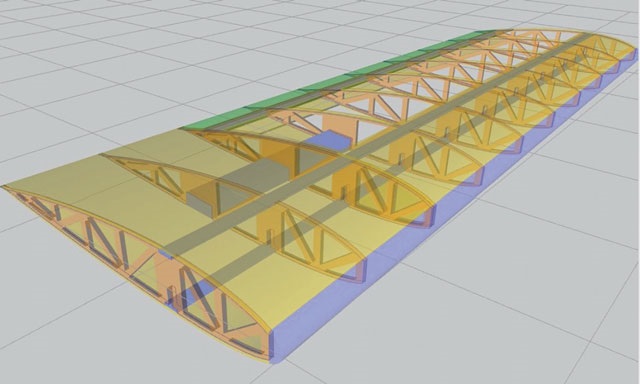
The wing can be shaped in any way, and the ribs can be adjusted accordingly. An elliptical wing can thus be easily constructed.
design of the hinge joints.
A wing can be trapezoidal or any other shape (e.g., Spitfire). Each wing section is defined as a single wing. Each wing section is joined end-to-end according to its dihedral angle, with an alignment that allows for the addition of wing struts. It is also
possible to place the ribs on a JPEG-type background (photo) to match an original shape. You can simplify the ribs and define rib roots to facilitate construction.
What makes designing a wing so much fun is the ability
to view it in 3D, rotate it in space, and make it semi-transparent to see the components through the formwork. With a single click, you can make each component visible or invisible. This also allows you to identify construction constraints and visualize errors. Predefined icons
make it easier to view the wing from different angles. A zoom feature is available, just like in any drawing software.
The purpose of this program is simply to export the design elements to a DXF file (or PDF) that can be used by a CNC router or a laser cutter.
To evaluate the software, we designed and successfully laser-cut the single-piece wings for the Multiplex Capriolo (see transparent image), a small, highly popular 1.40-scale training aircraft from the 1980s that originally featured polystyrene wings covered with fabric.
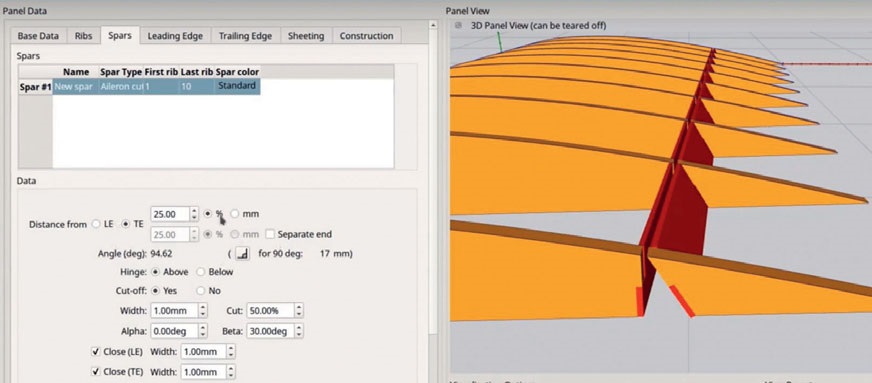
New features are being developed to place servos in the wing, define a leading edge, and eventually
to be able to directly cut the wing out of foam and even assist in creating a mold via milling. An ambitious project, with
, with similar features planned for the tail, rudder, and fuselages. ■
Thierry Ruef

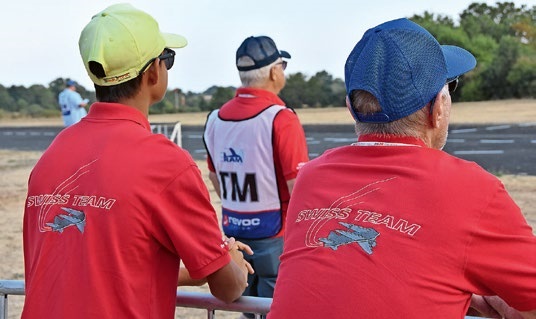
TEAM MANAGER "THIS" BOSSHARD
 Rodito Nussbaumer
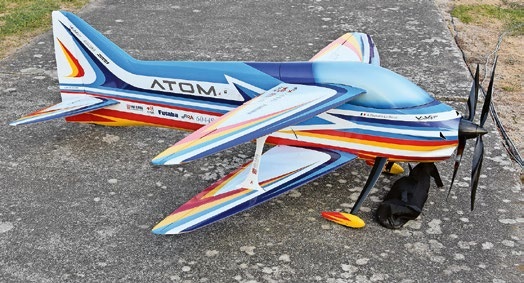
ATOM, THE NEW DOUBLE-DECKER FROM CPLR
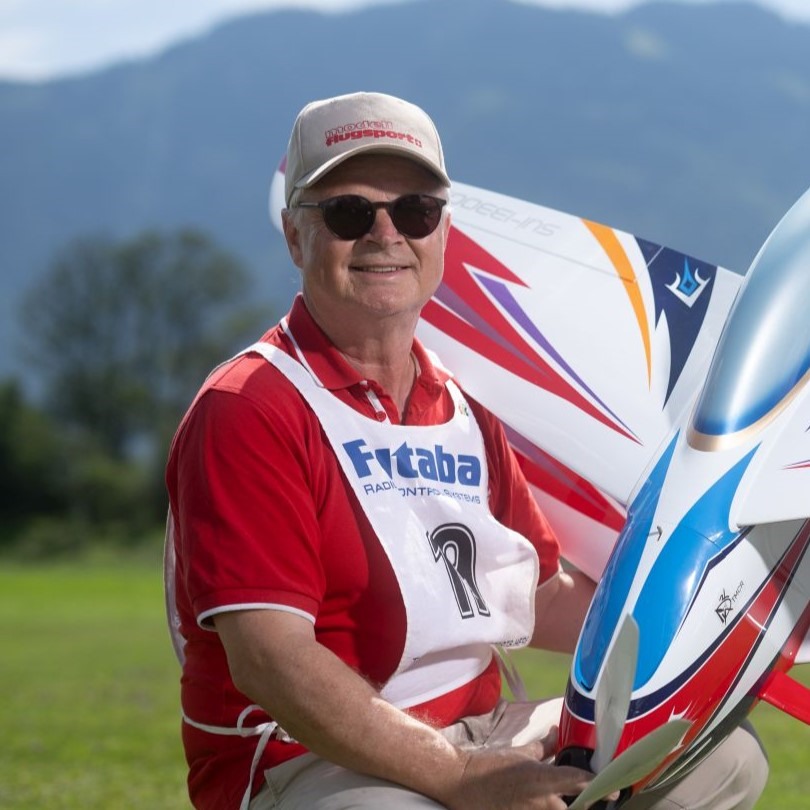 Matthias Bosshard
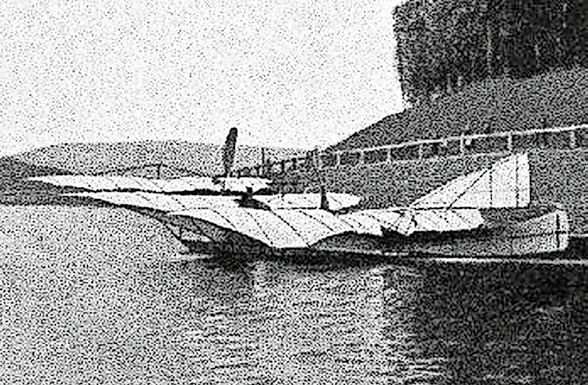
INSIGHTS INTO THE HISTORY OF SEAPLANES
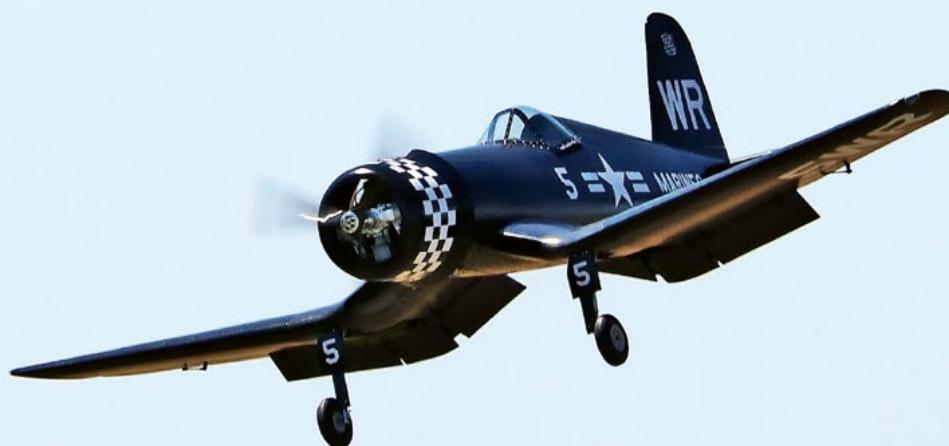
CORSAIR F4U – A WARBIRD WITH A MEMORABLE LOOK
Jürgen Rosenberger, Jürgen Prinz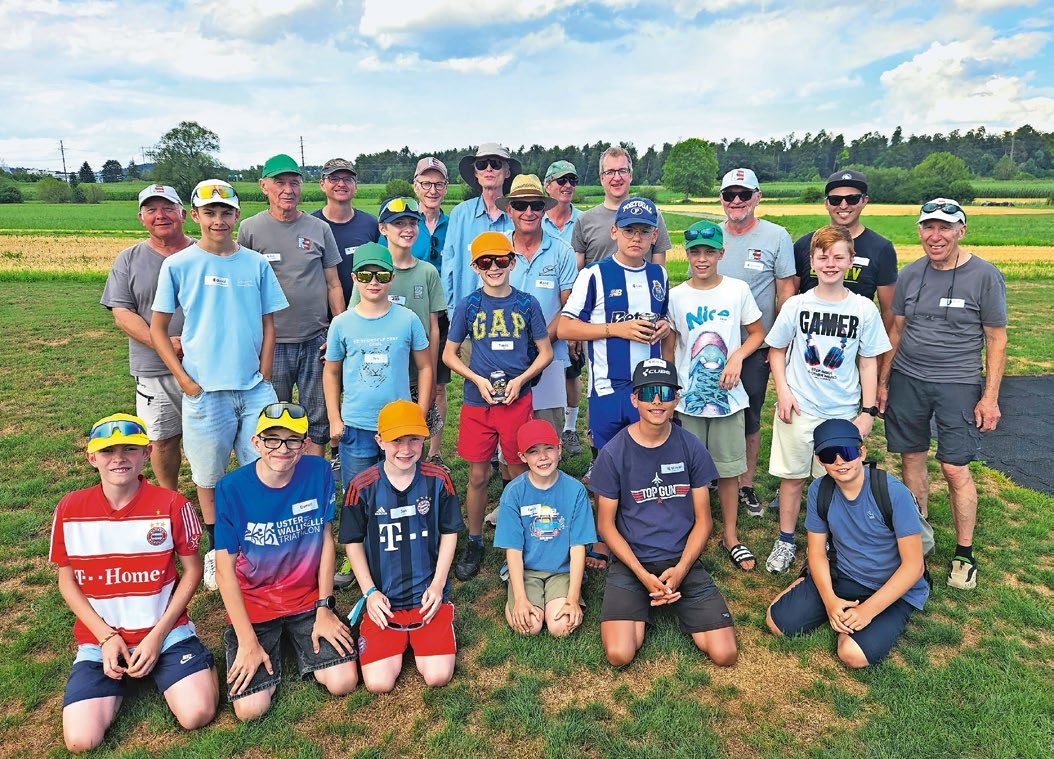
SUMMER FUN 2026 AT MG USTER
Martin Wunderli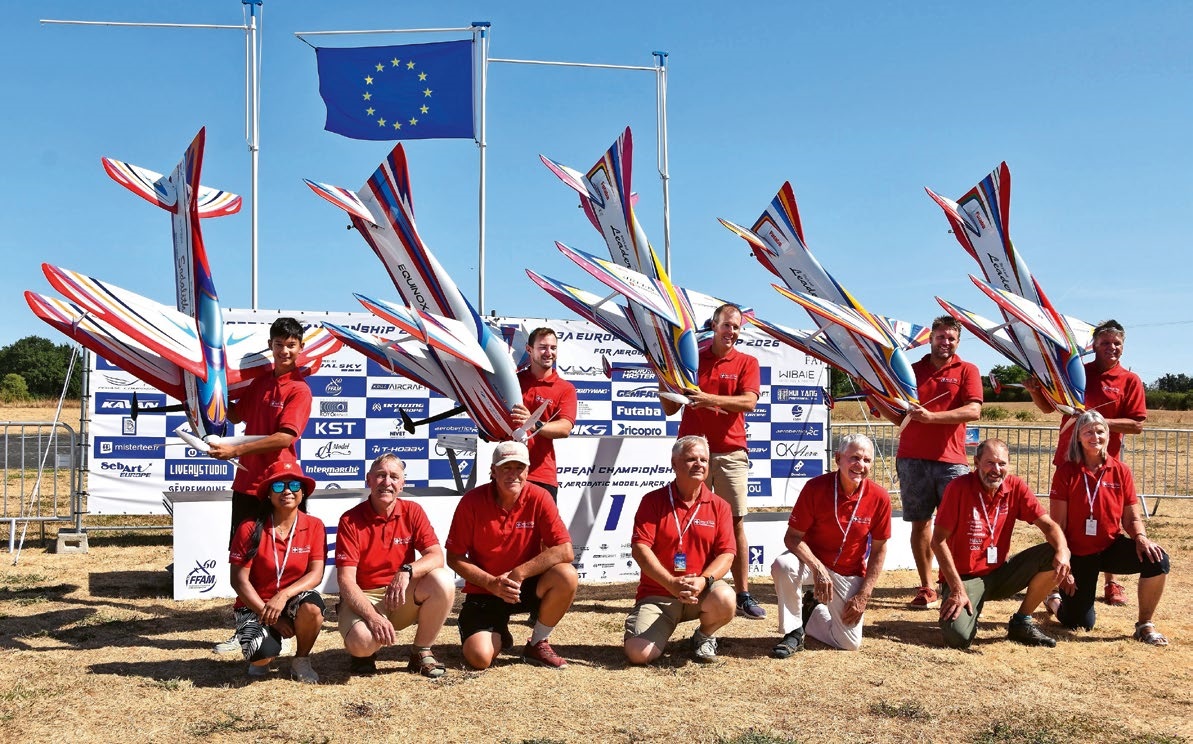
F3A EUROPEAN CHAMPIONSHIPS IN ST-MACAIRE, FRANCE
Matthias Bosshard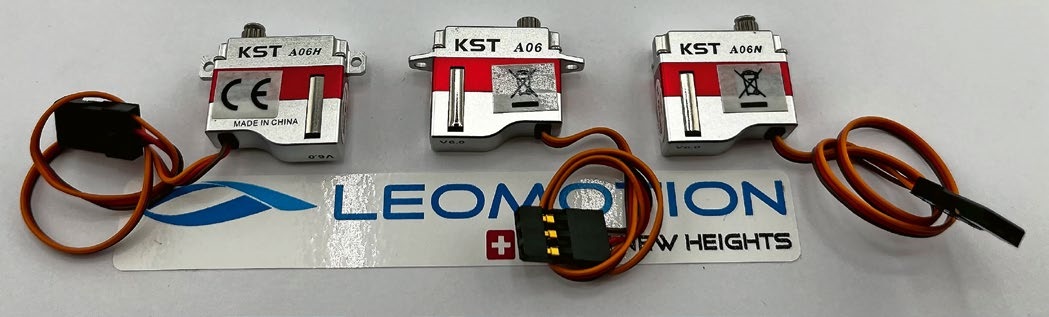
What's New at Leomotion.com
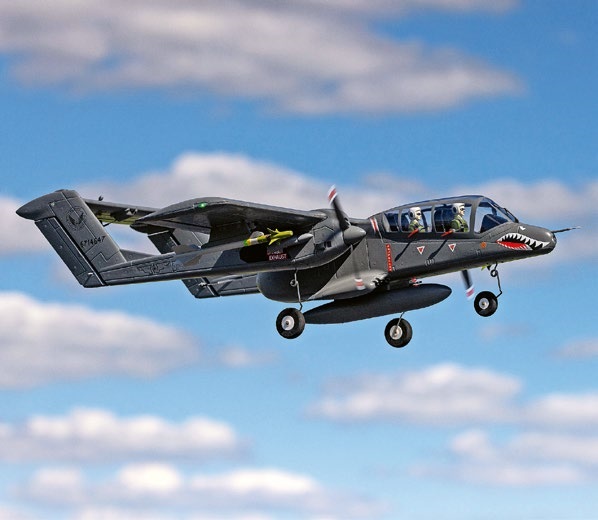
HORIZON HOBBY/LEMACO NEWS: MICRO OV-10 BRONCO 645 MM BY E-FLITE

PRIDE AND GOOD IDEAS
 Markus Nussbaumer
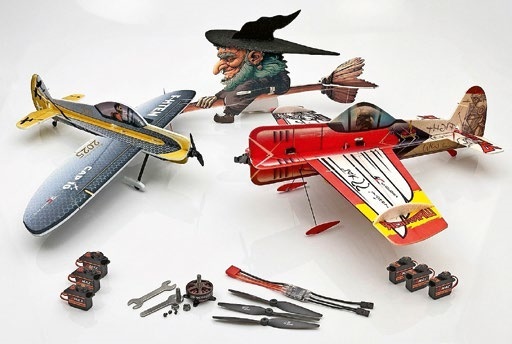
News from HEBU
YOU KNOW WHAT I MEAN? 125 YEARS OF THE SWISS AERO CLUB
 Emil Giezendanner
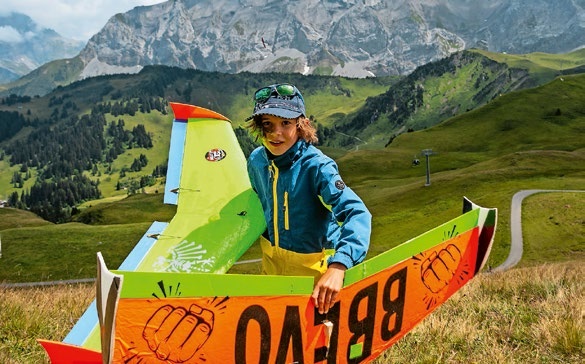
34th HAHNENMOOS ALPINE MODEL AIRPLANE CAMP
Res Dauwalder
SMALL, MODEL-LIKE SAILBOATS
Res Dauwalder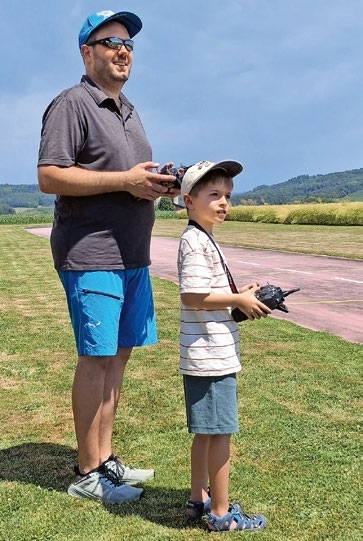
TRY-OUT DAY AT MFV WETTINGEN
Urs Keller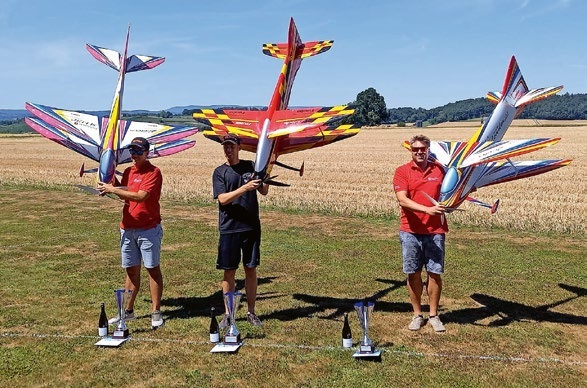
52. 2026 ALPS CUP
Emil Giezendanner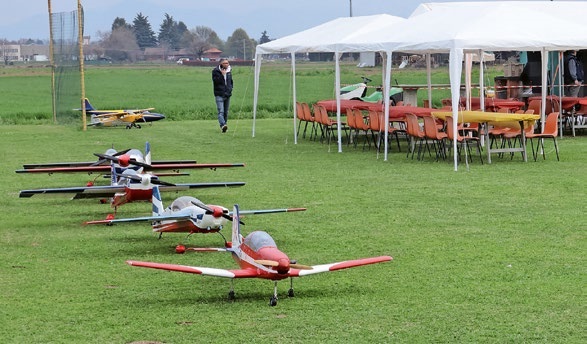
TWIN TOWN PARTNERSHIP
Wolfgang Voeller
EURO CONTEST GLIDER ACRO TOUR AUSTRIA 2026
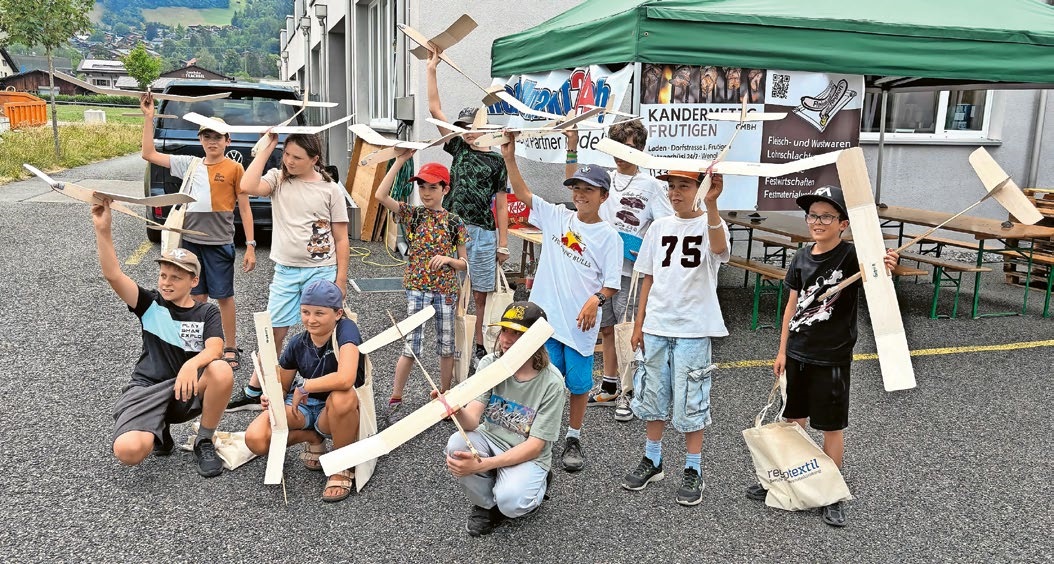
BY YOUTH, FOR YOUTH
Lorena Betschen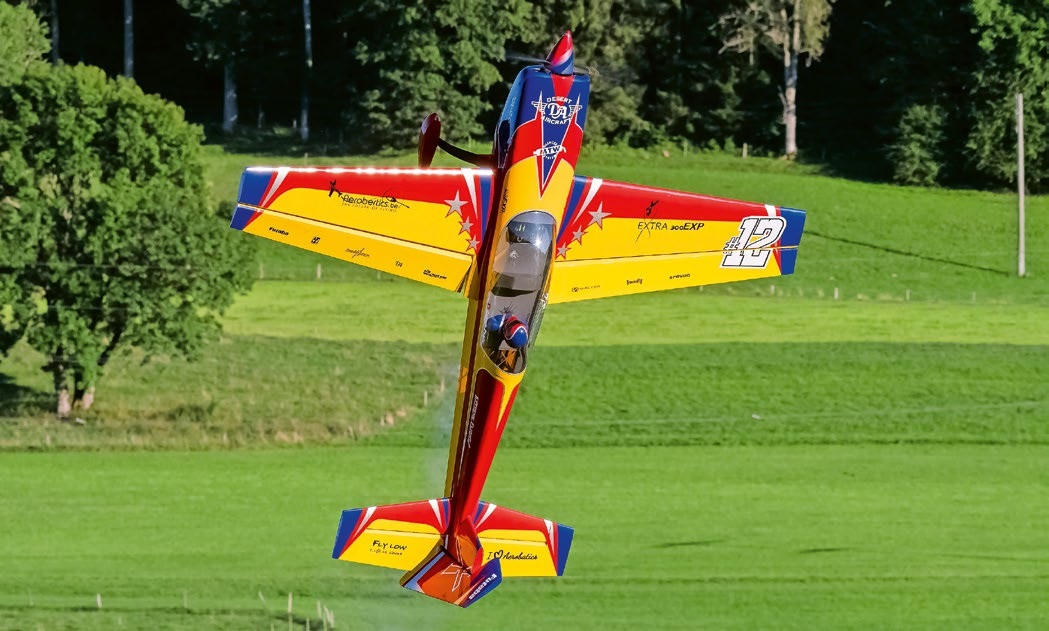
WELCOME, NEW MEMBER!
Andrea Bolliger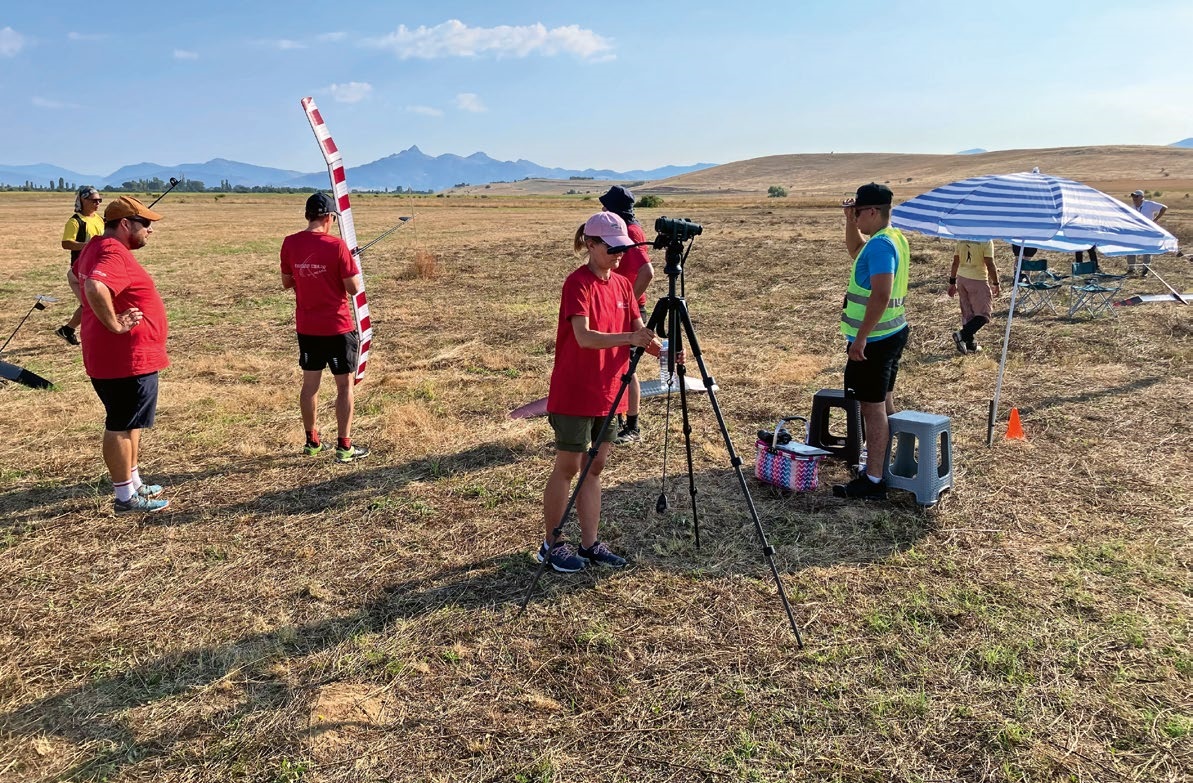
FREE FLIGHT IN THE MIDDLE OF SUMMER
Urs Muntwyler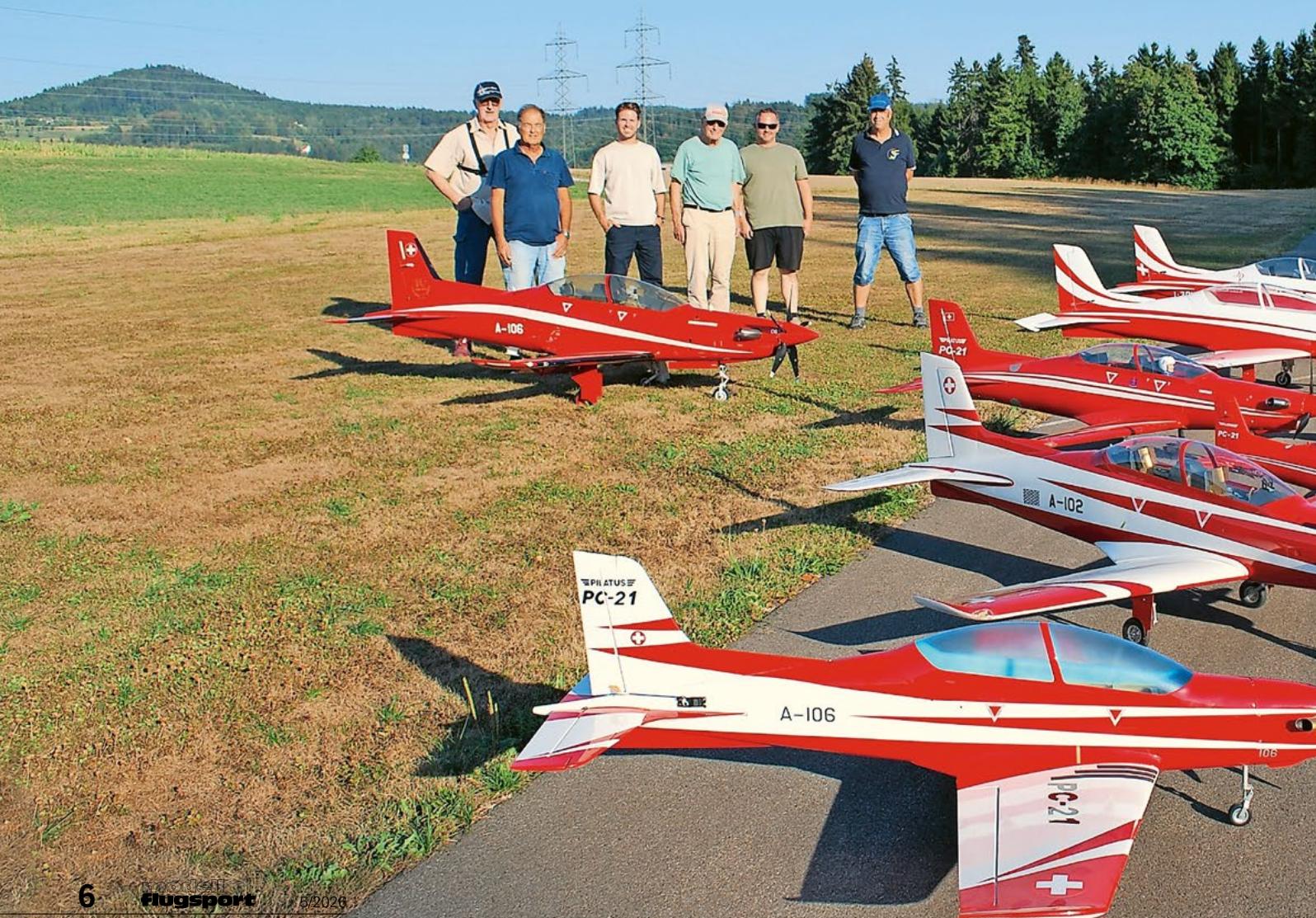
THE PC-21 STORY
Emil Giezendanner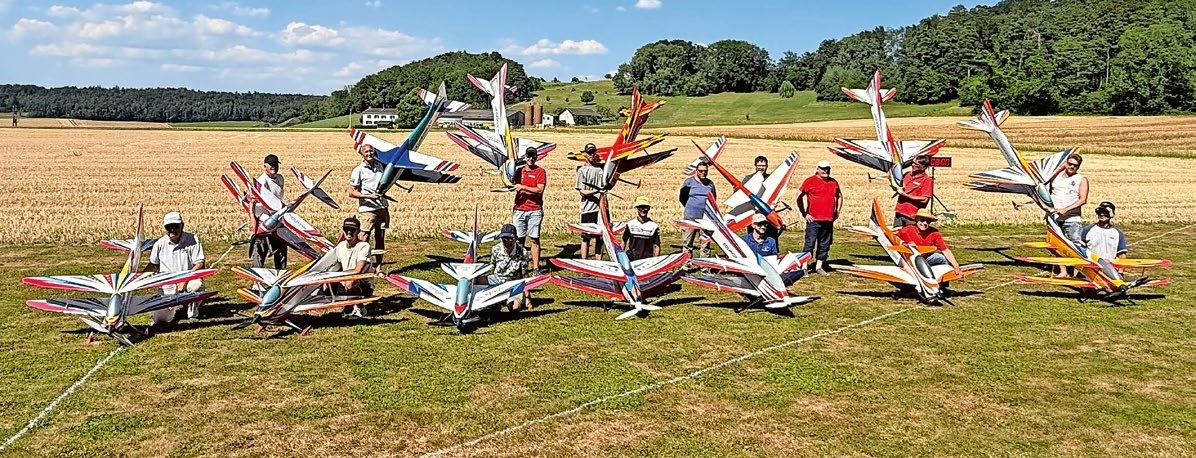
COUPE DES ALPES – OBSERVE AND LEARN
Rodito Nussbaumer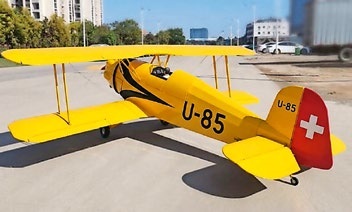
NEWS FROM HEBU
 Julia Bucher
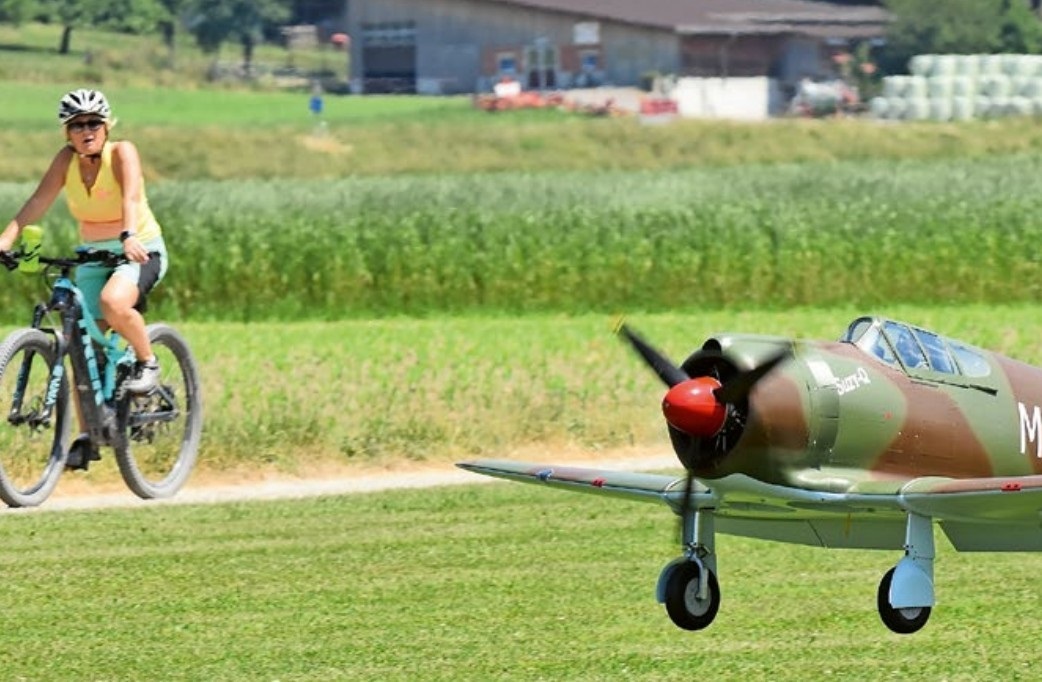
FROM 0 TO 100
Markus Nussbaumer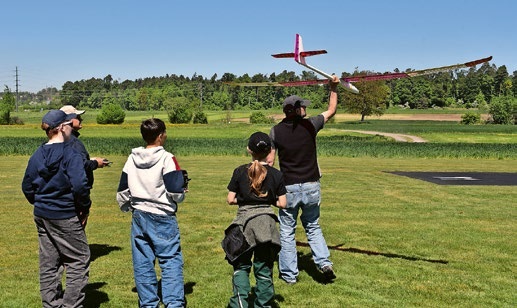
NOS REGION – A HUB FOR ELECTRIC AVIATION
Emil Giezendanner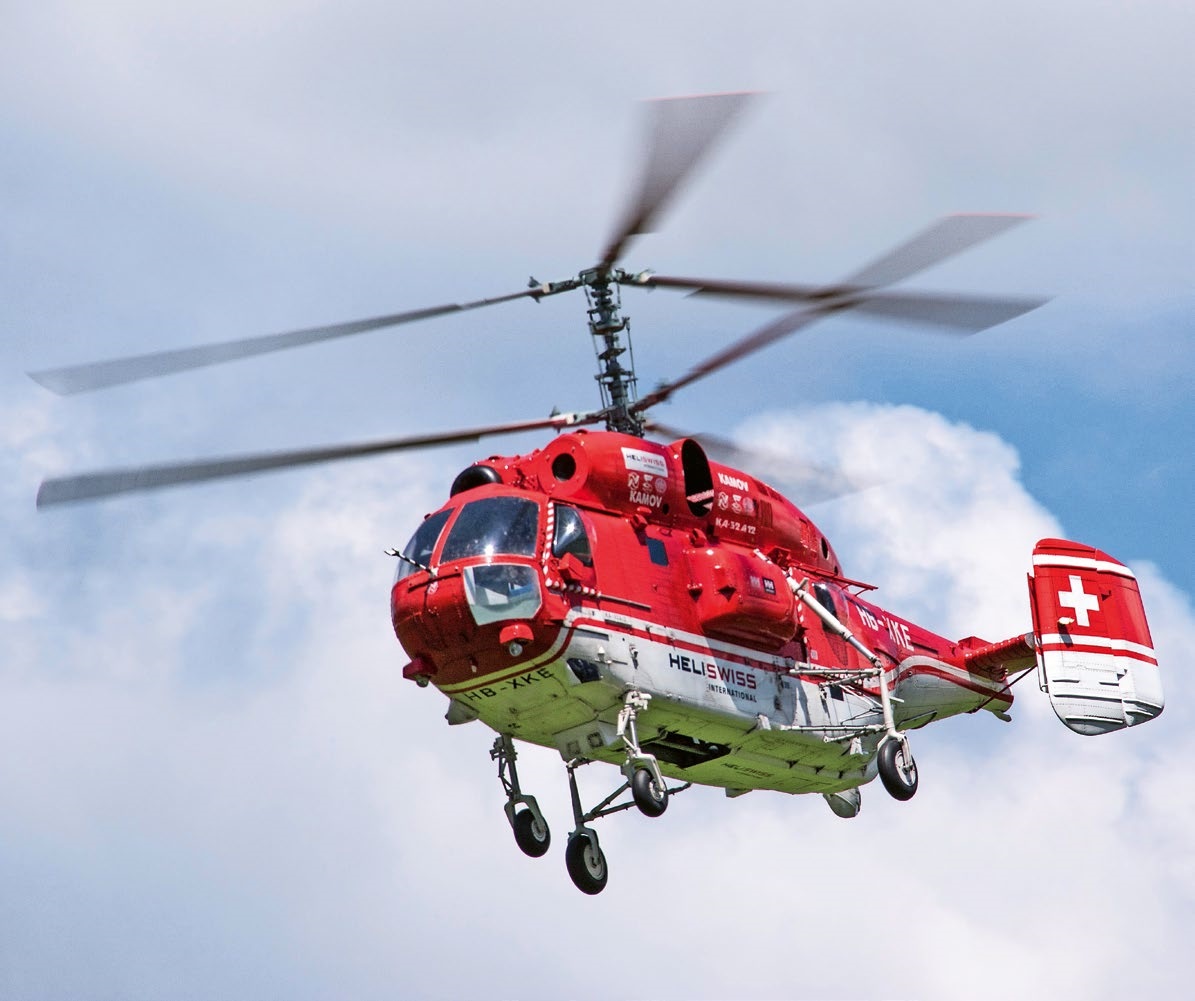
MEMORIES
Wolfgang Völler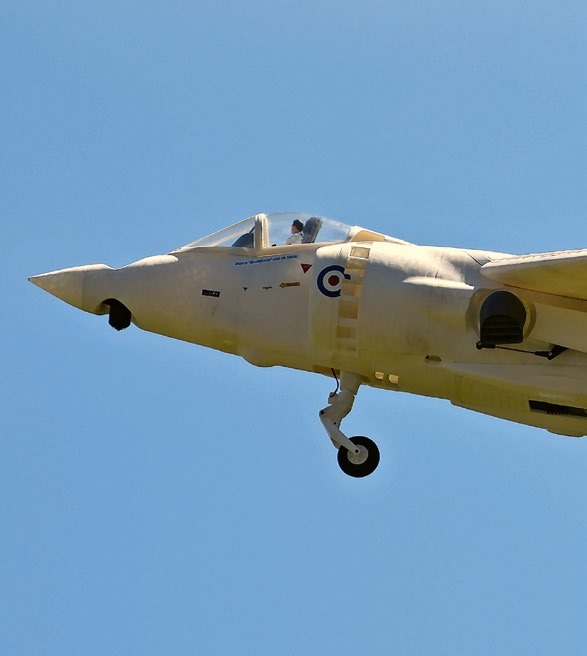
Have you almost forgotten about aircraft that take off and land vertically?
Emil Giezendanner
70 YEARS OF THE NIDWALDEN MODEL AIRPLANE CLUB
Martin Barmettler